Your team and access
User roles, personal work and project visibility help the right people see the right records.
 DESKTalk to our team
Start with the customer, commercial process and communication. Scope the channels, integrations and controls your workflow needs.
Discuss your setup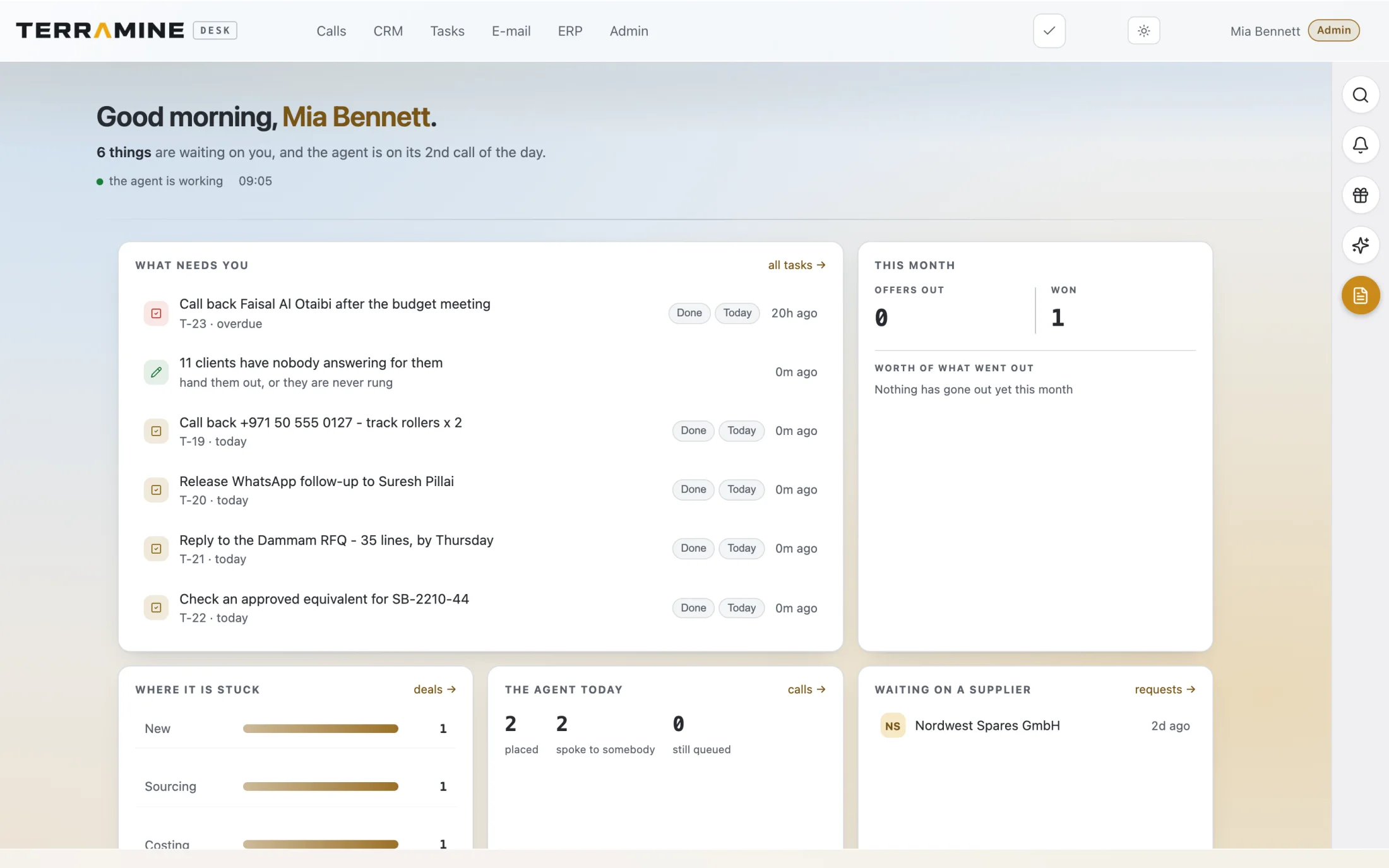 Enlarge screen
Calls, CRM, email, ERP and tasks connect around the work that needs the team.
Screenshots from the product. The interactive demo is a simplified guided example, not a copy of every product screen. Screenshots show the product version captured at the time.
Chat with Terramine Desk to find information, understand what’s happening and get work done across CRM, calls, email, orders and tasks.
Built-in tools connect the AI to your workspace records and actions. Ask in your own words: the assistant can look up information, bring the context together and prepare changes for your approval.
Review proposed plans before confirming. Small edits to the open record can apply immediately; enabled automation follows its configured rules.
Discuss your workflowCustomer context, commercial records and correspondence in one workflow.
User roles, personal work and project visibility help the right people see the right records.
Discuss a dedicated deployment, operational responsibilities and your data requirements during the pilot scoping.
Mail, telephony, accounting and other connectors should be checked against the services enabled for your deployment.
Keep calls, customers, tasks and your inbox close. Our native Android and iPhone apps connect to the same Terramine Desk workspace.
Ask Desk is there too: ask a question or dictate it when you are away from your computer.
Explore Terramine Desk with usReview calls, look up customers, manage tasks and read your inbox. Open orders and documents, or ask Desk a question from your phone.
Stay close to the same calls, customers and work. Browse your inbox, review orders and documents, and ask Desk a question or dictate it.
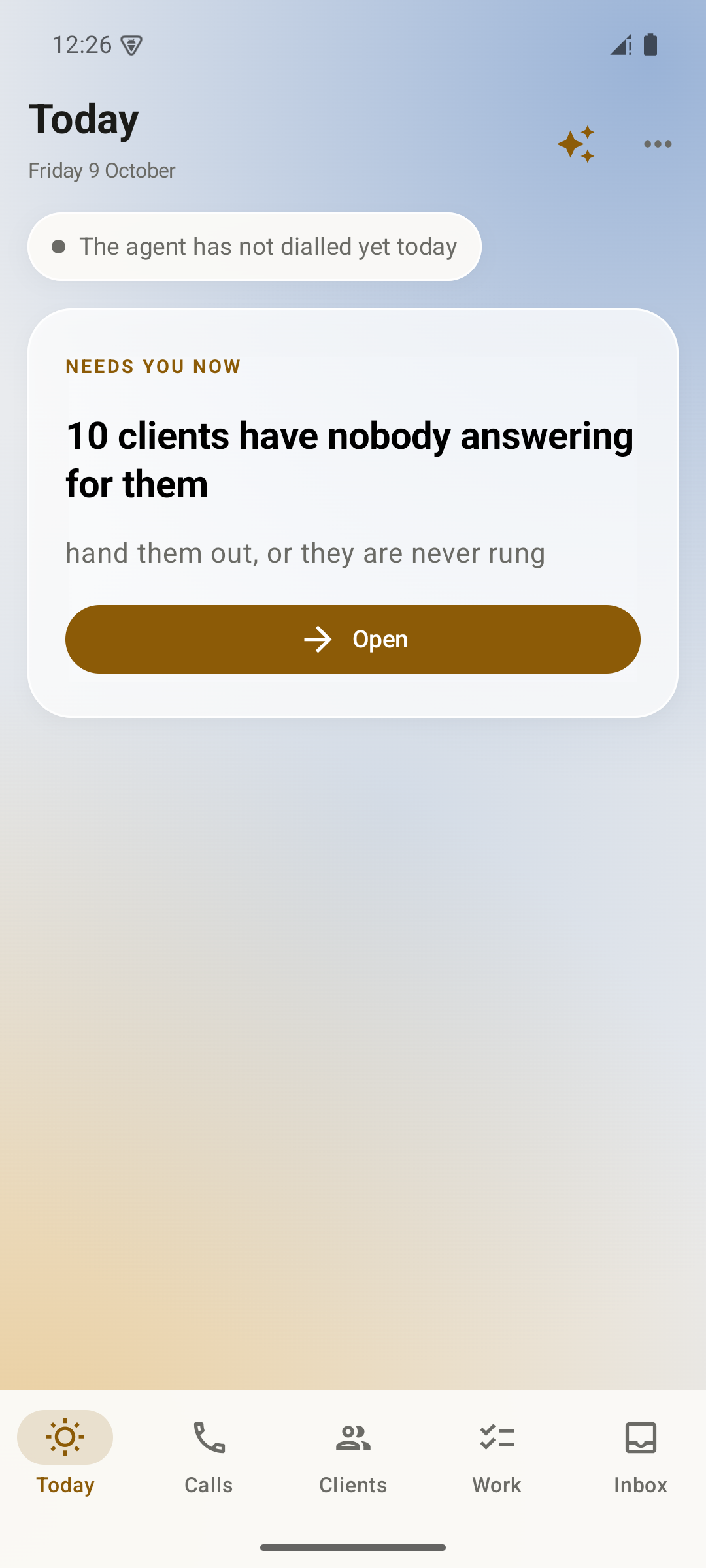
Review agent activity and account ownership from your daily overview.
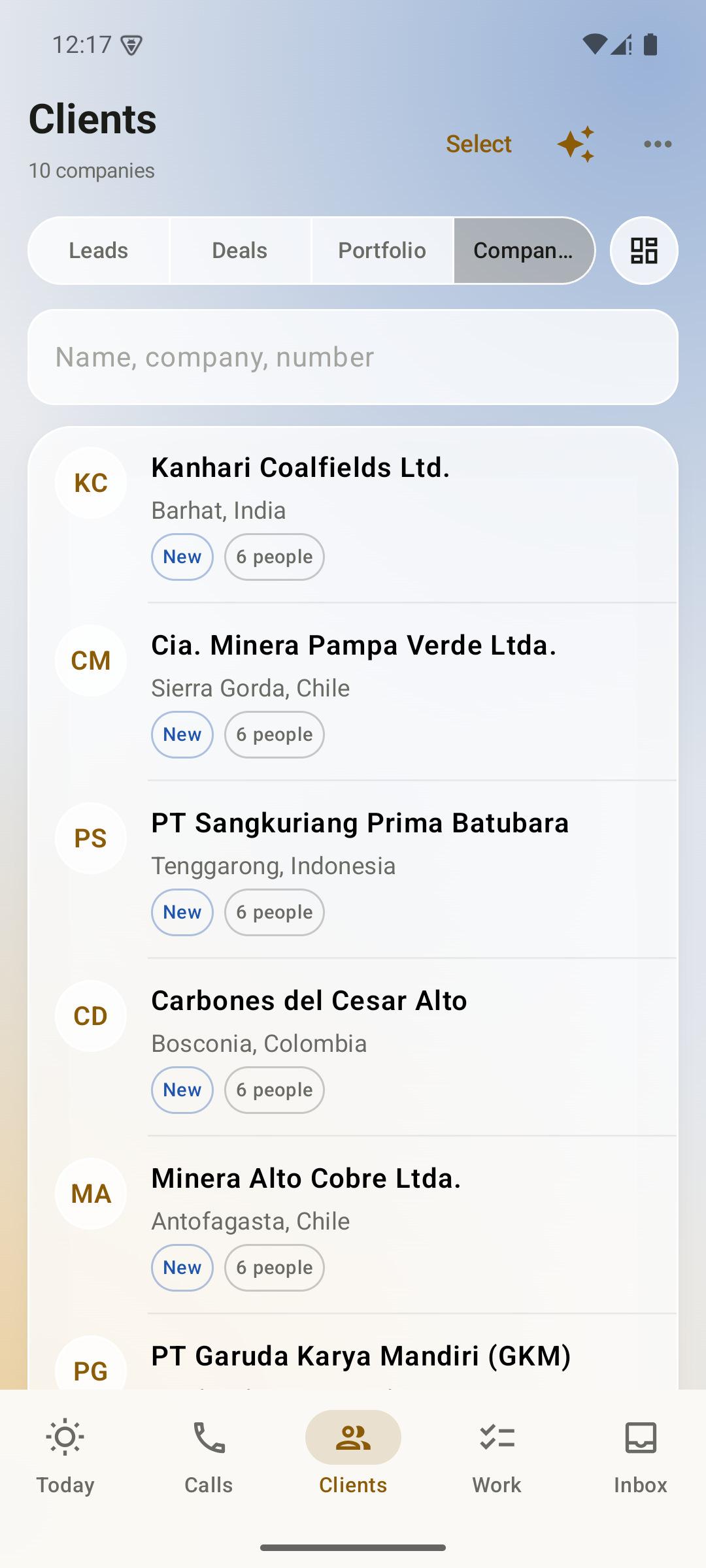
Browse companies and open their customer records from your phone.
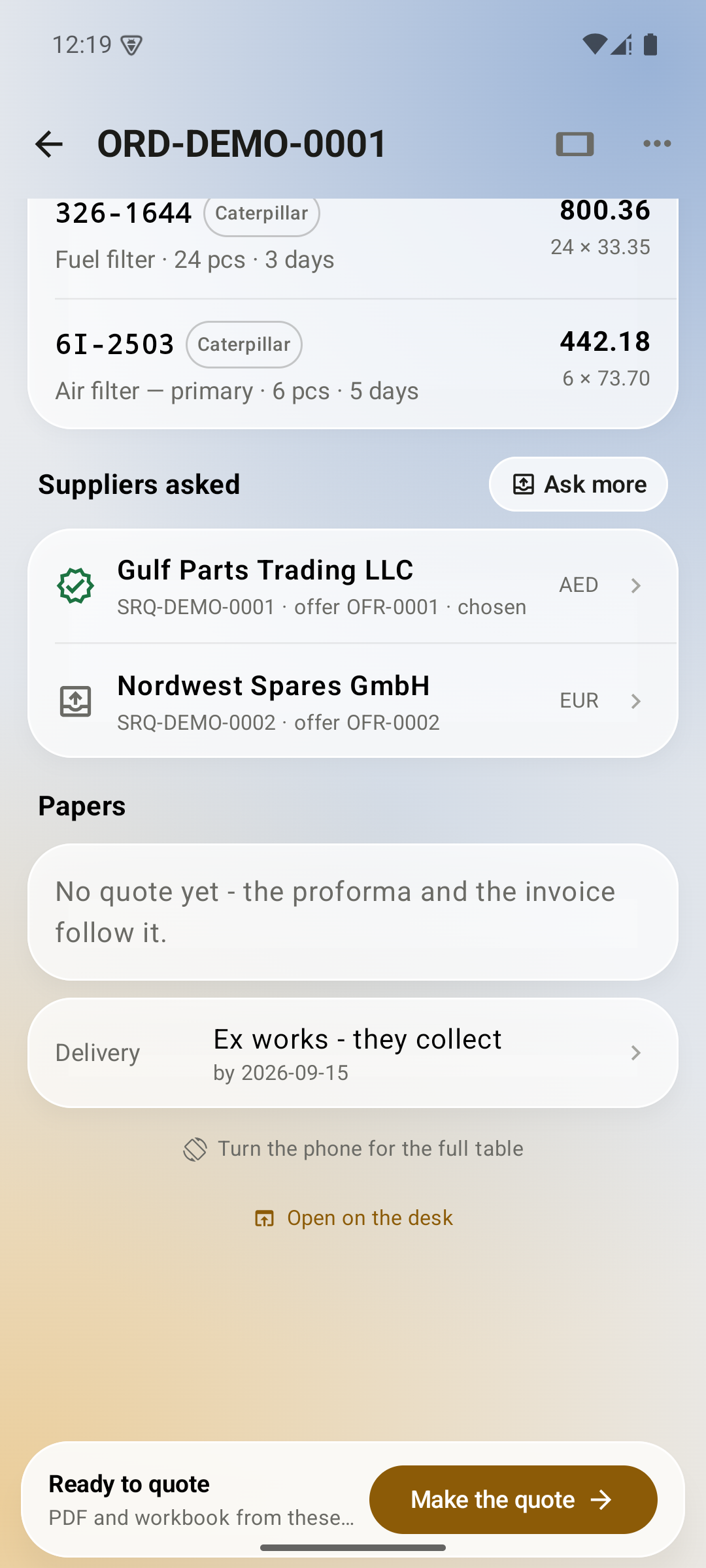
Review line items, supplier offers and delivery details in a customer order.
Actual Android app screens with fictional demo data. Select a screen to enlarge.
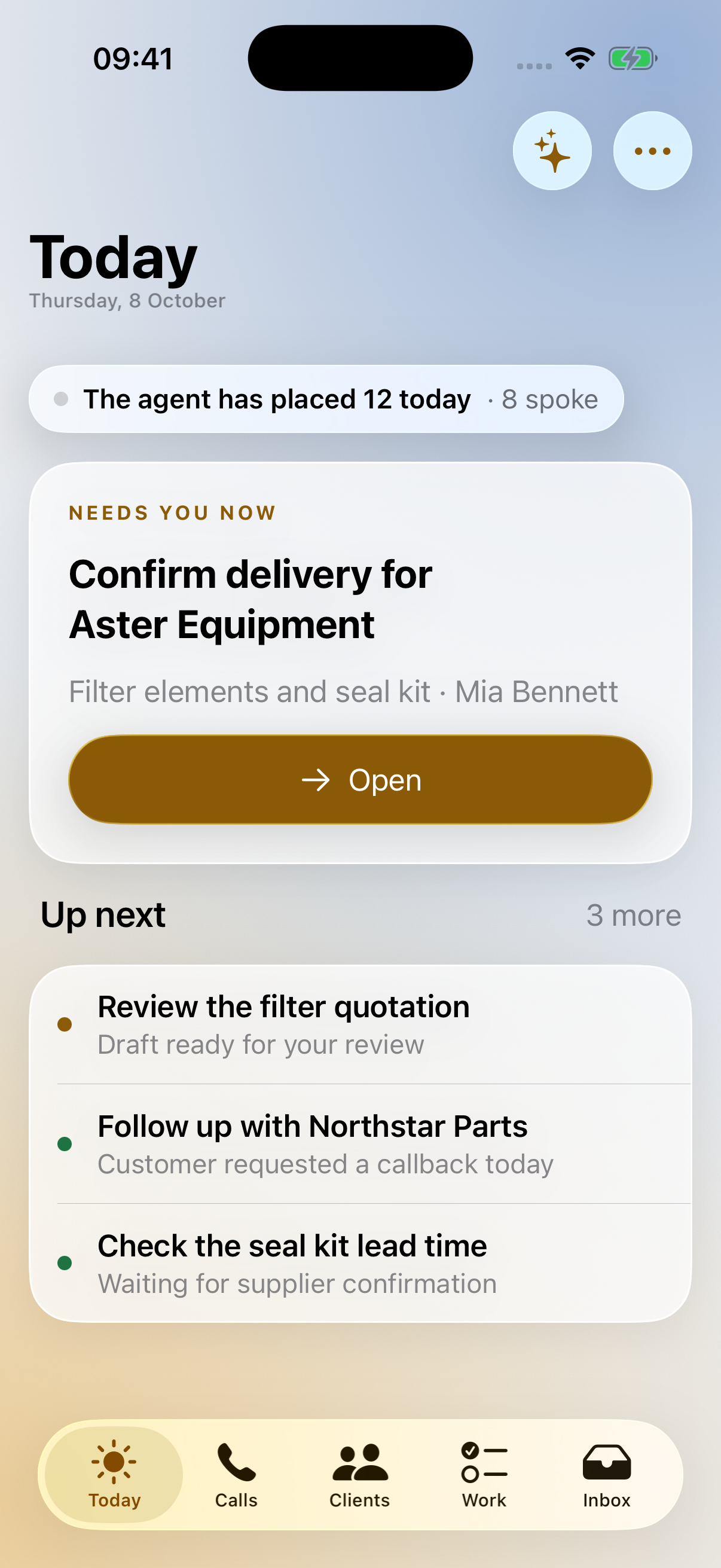
See the agent’s activity and the next decisions waiting for your team.
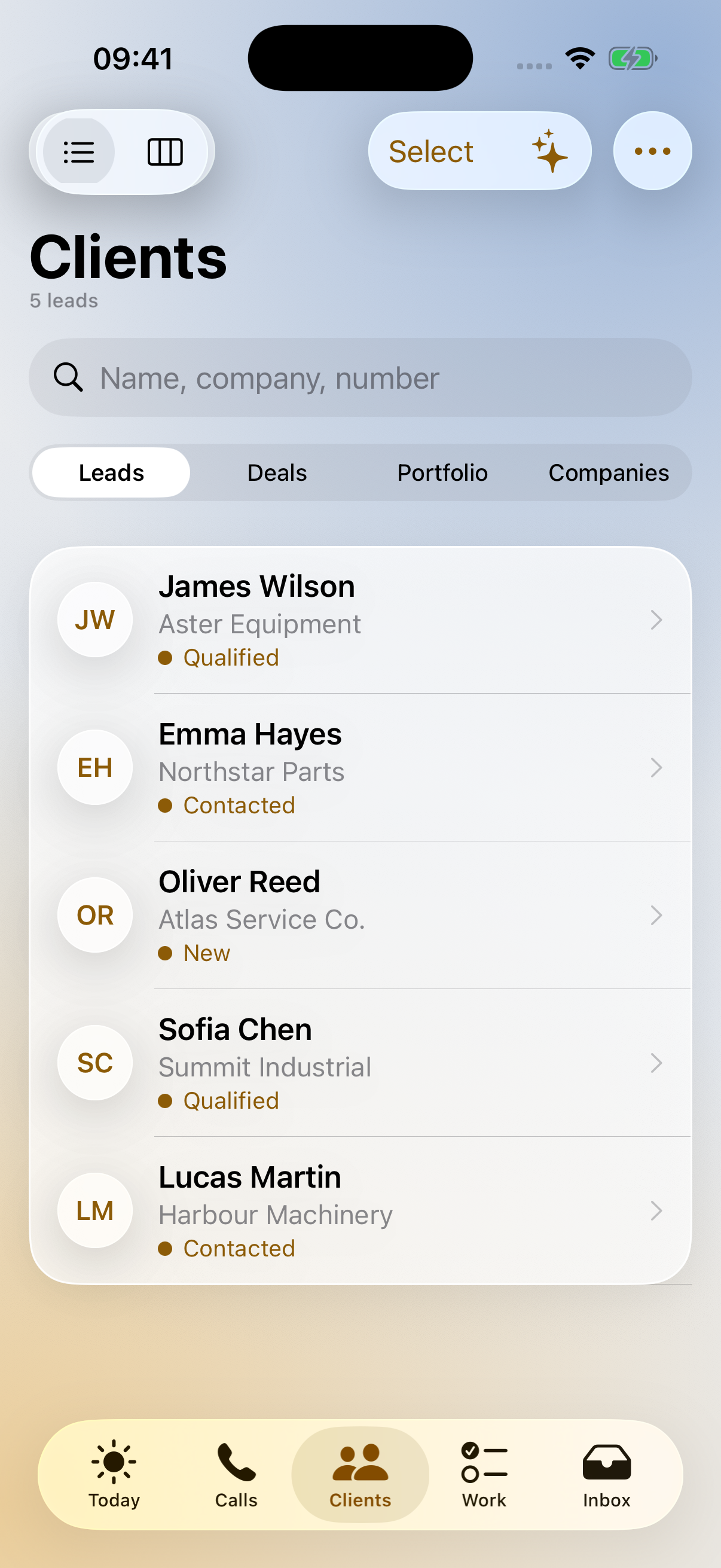
Find leads, deals and companies with the customer context at hand.
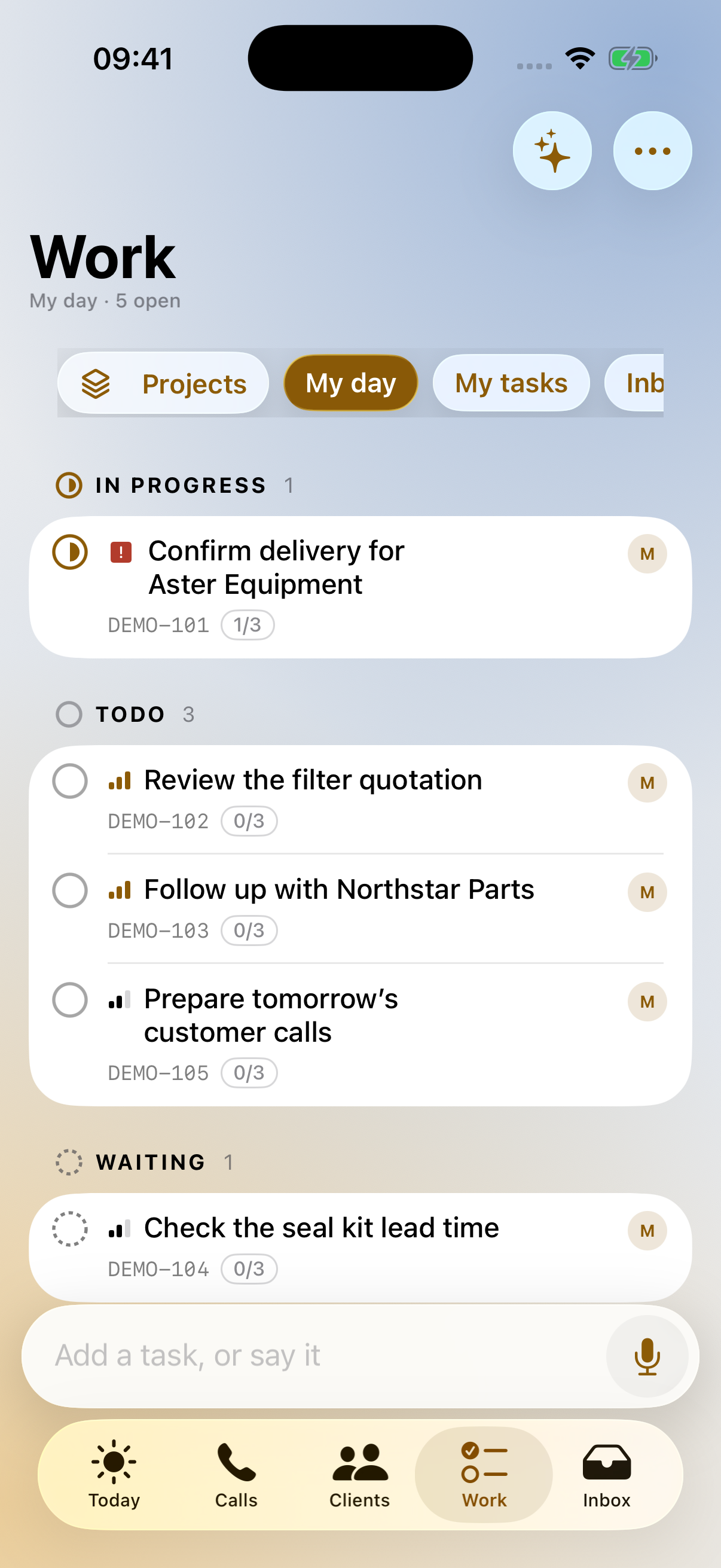
Check priorities, manage follow-ups and add a task by typing or speaking.
Actual iOS app screens with fictional demo data. Select a screen to enlarge.
The same Terramine Desk you open in the browser, as a Mac app: tabs across the top for the order, the request and the letter you have open, the Mac's own notifications and a badge on the Dock.
Nothing is installed twice. Every tab is the live desk, so a change reaches the app the moment it reaches the browser. Sign in with Google or a passkey as in the browser, or with a code from Your account.
Ask for the Mac app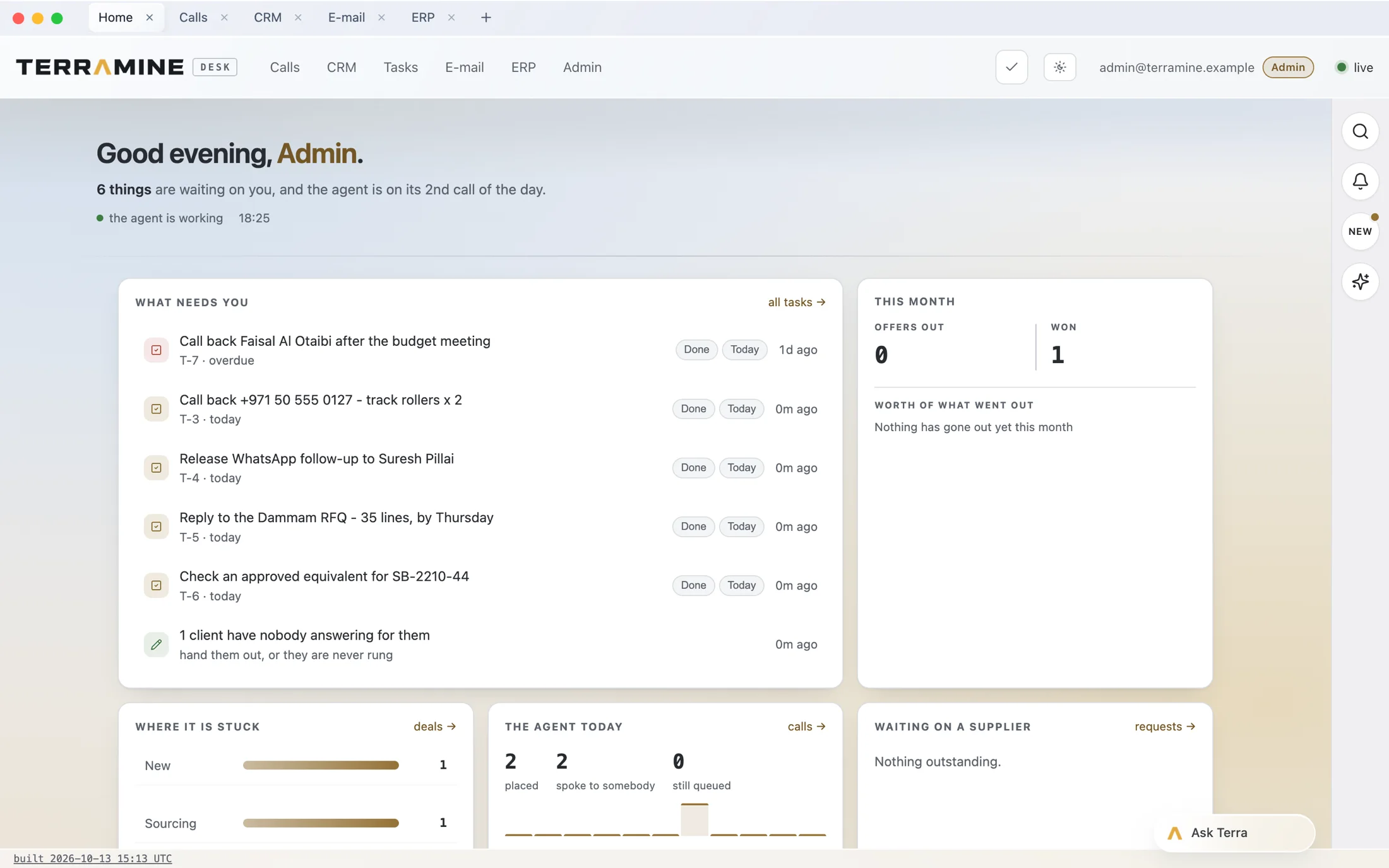
Five tabs across the top - Home, Calls, CRM, E-mail, ERP - above the desk's own header, with the Home room open.
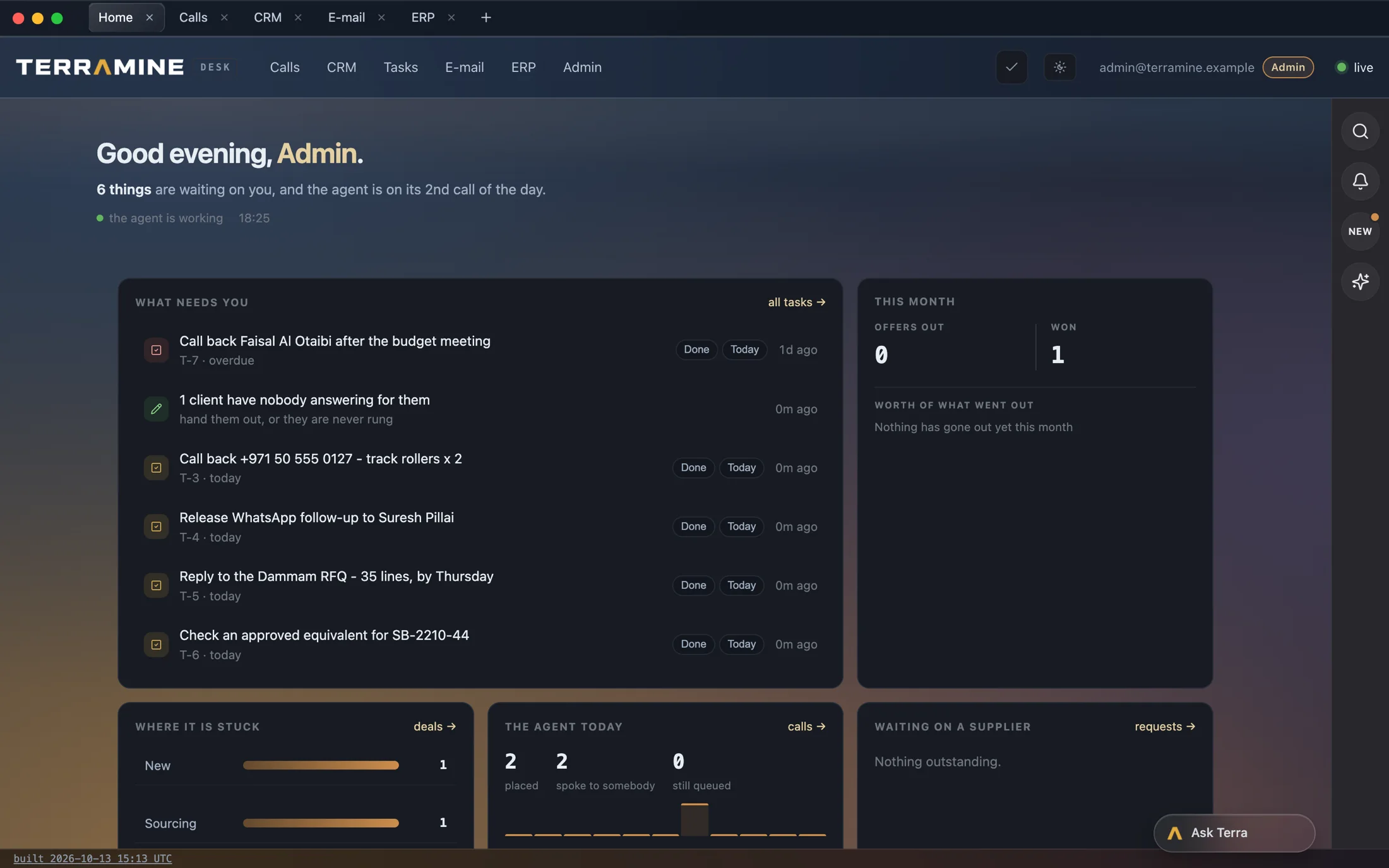
The app follows the Mac's appearance, or the theme chosen in the desk.
Actual app window with fictional demo data. In beta: builds come on request and are not yet signed; a Windows version is planned.
Pick one enquiry type and define what a useful result looks like.
Agree what agents prepare, what people approve and how exceptions reach the team.
Check languages, channels, data, integration readiness and day-to-day ownership.